Food & Drink

Halvlog: Recipe Servings

Scale ingredient amounts when servings change. Steps stay as written.

Halvlog: Recipe Servings

What it does

What you can do

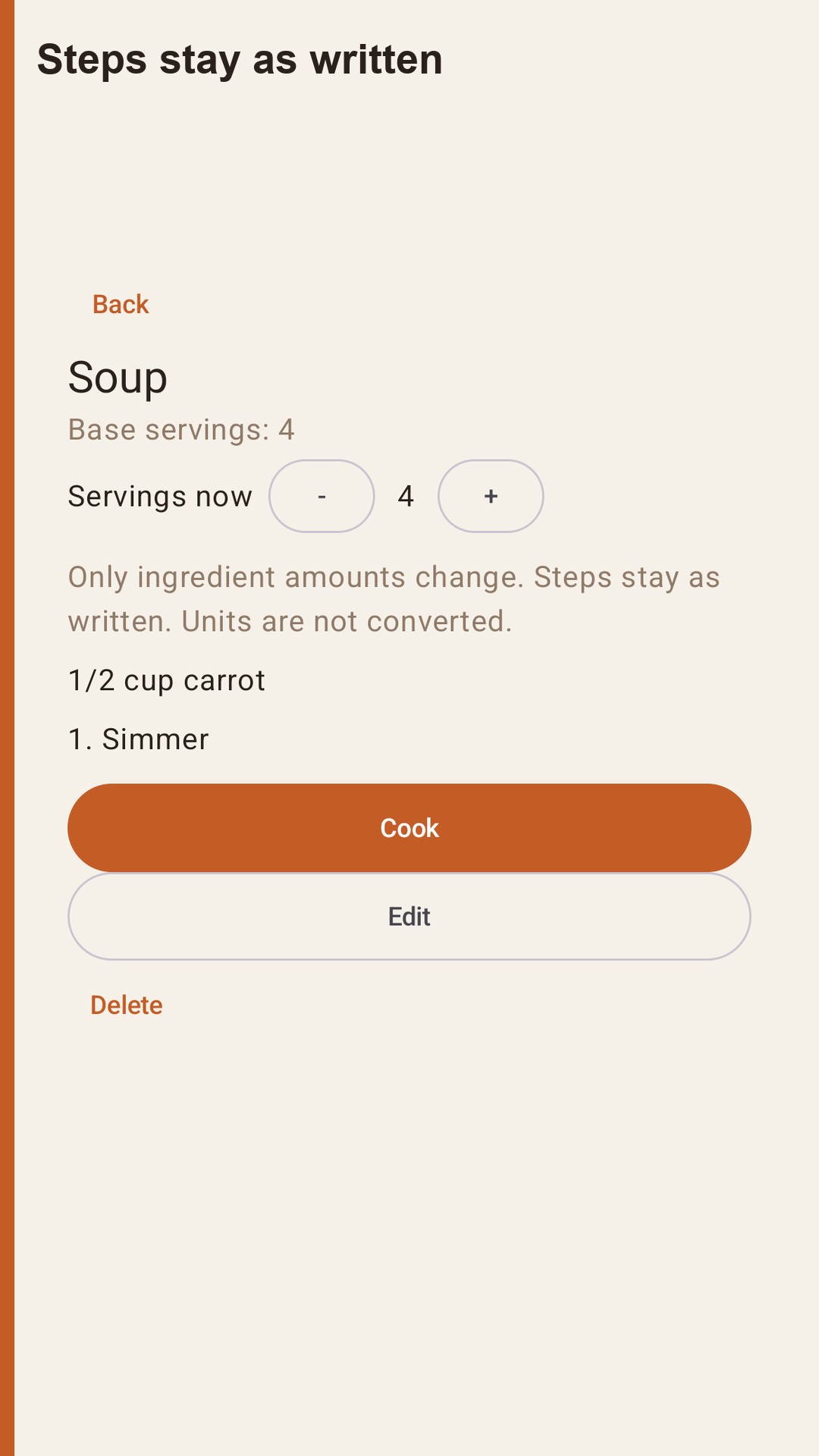
Save a title, a base number of servings, ingredient lines, and steps. Amounts can be whole numbers, decimals, or fractions such as 1/2, 1 1/2, or 1-1/2. Set the servings anywhere from 1 to 99. Only the ingredient amounts change. Units stay as you typed them: a cup is not converted into grams, and a teaspoon is not converted into milliliters.

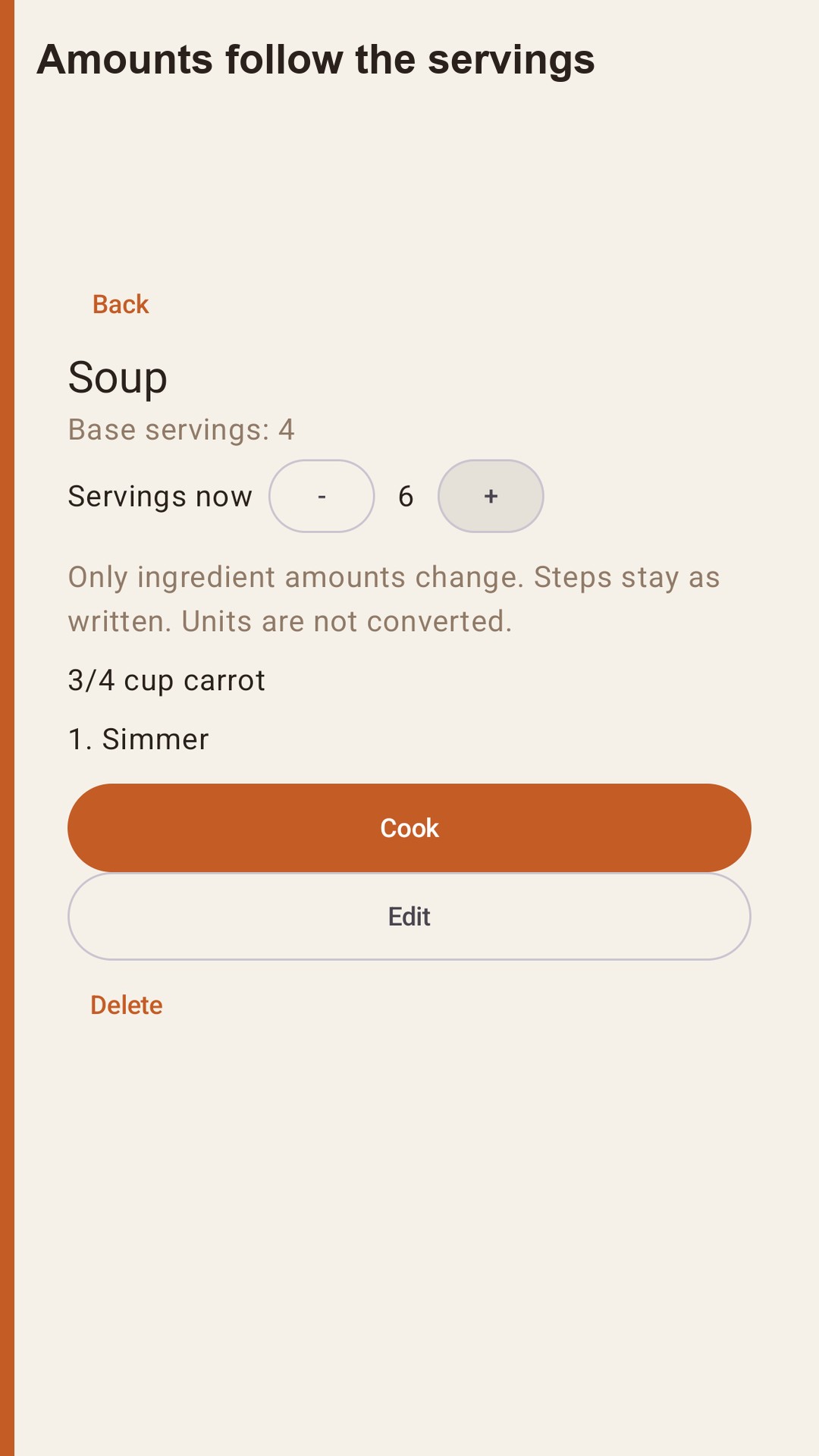
A soup written for 4 that uses 1/2 cup of carrot shows 3/4 cup when you set the servings to 6. The step text does not change. Leaving the recipe puts the serving count back to the base. The temporary number is not written over the saved amount.

A soup written for 4 that uses 1/2 cup of carrot shows 3/4 cup when you set the servings to 6. The step text does not change. Leaving the recipe puts the serving count back to the base. The temporary number is not written over the saved amount.

Cook screen

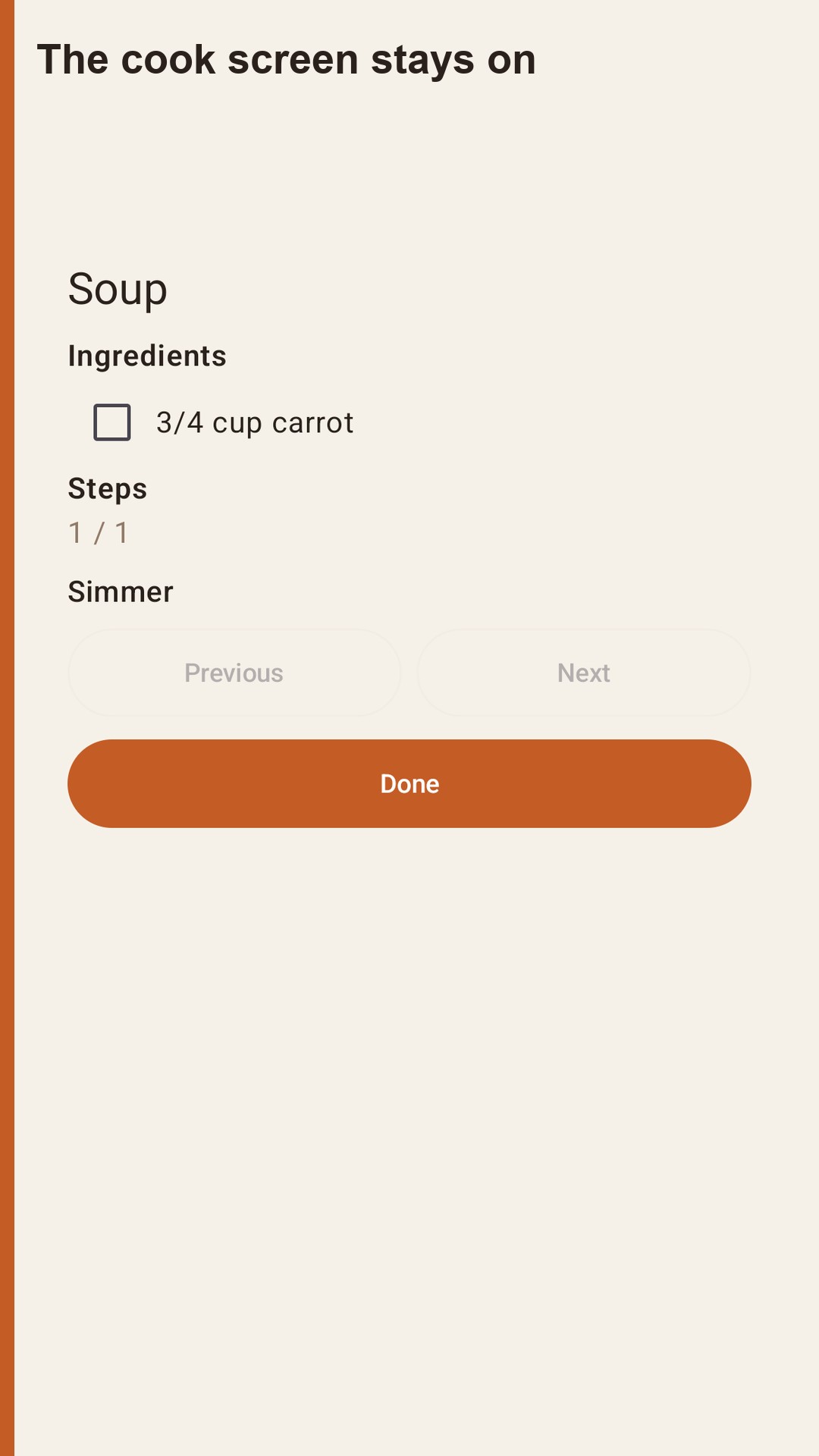
Open the cook screen when you start. The display stays on. You can check ingredients as you go. Those checks disappear when you leave the screen. They are not saved.

On this phone

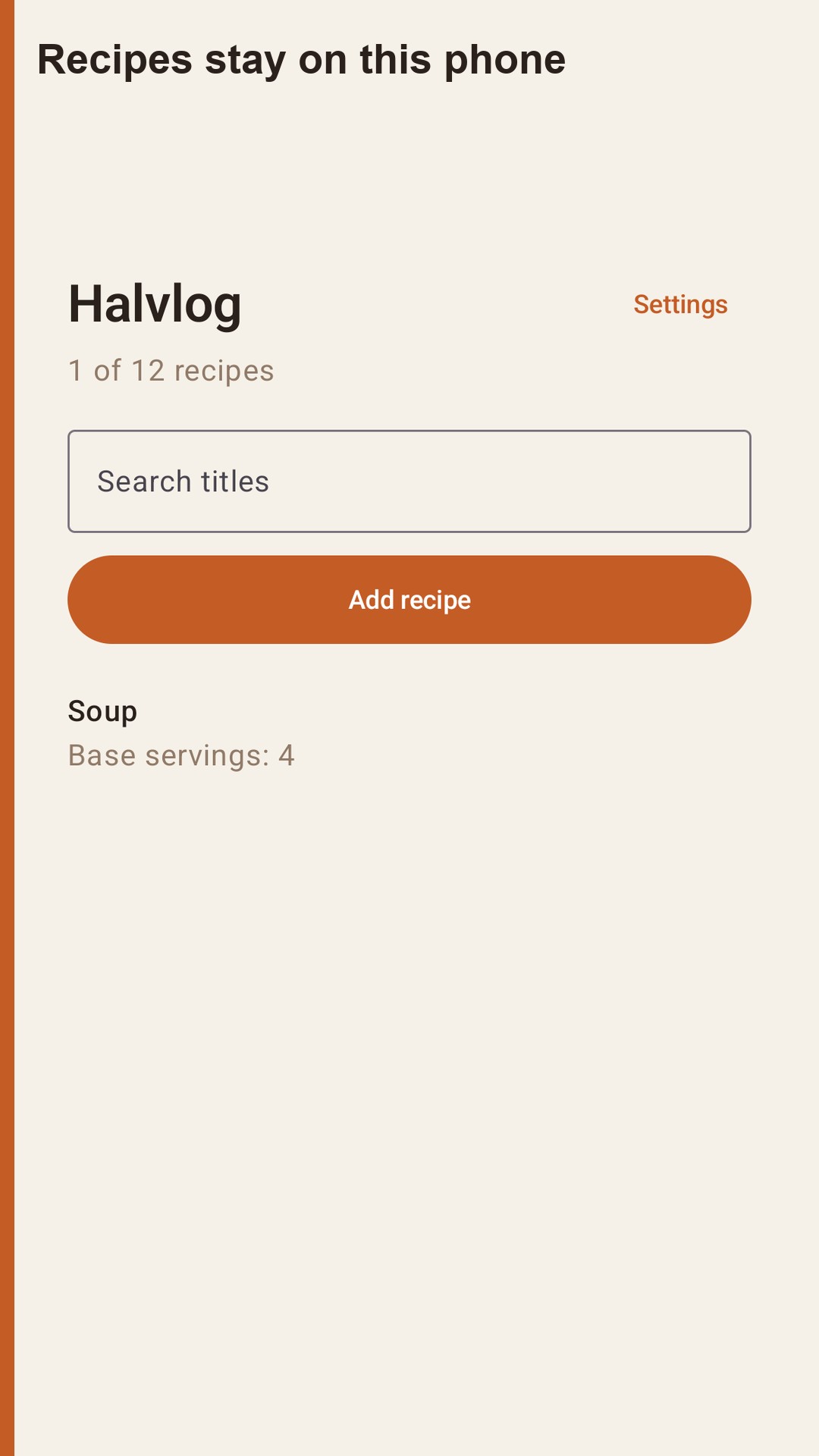
Recipes stay in the app's private storage. There is no account and no sign-in. Halvlog does not include an analytics SDK or an advertising SDK. Search looks through titles you saved.

Free and paid

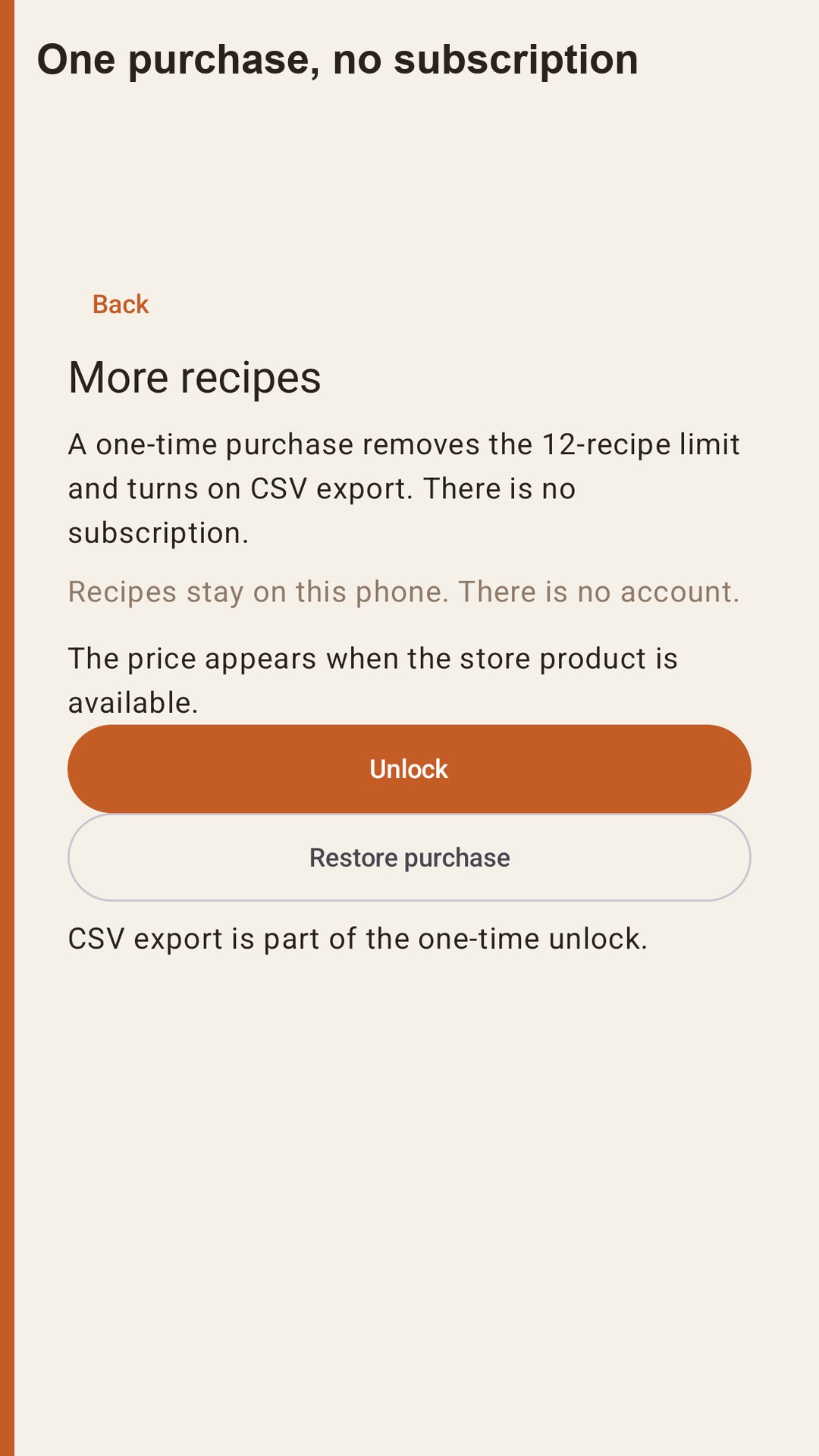
You can save 12 recipes without paying. A one-time in-app purchase raises the limit to 200 recipes and turns on CSV export. There is no subscription. Google Play shows the price when the product is available. The app does not print a fixed price of its own.

The CSV columns are recipe_title, base_servings, line_type, quantity, unit, and text. Quantities in the file are the amounts you saved, not the temporary scaled amounts on screen. You choose where the file goes with the system share sheet.

The CSV columns are recipe_title, base_servings, line_type, quantity, unit, and text. Quantities in the file are the amounts you saved, not the temporary scaled amounts on screen. You choose where the file goes with the system share sheet.

From the running app

Halvlog: Recipe Servings — 1 Halvlog: Recipe Servings — 2 Halvlog: Recipe Servings — 3 Halvlog: Recipe Servings — 4 Halvlog: Recipe Servings — 5

How a session works

Halvlog is a recipe notebook for the servings in front of you. Save a recipe, then change how many people you are cooking for. Ingredient amounts scale. The steps stay exactly as you wrote them.

What you can do Save a title, a base number of servings, ingredient lines, and steps. Amounts can be whole numbers, decimals, or fractions such as 1/2, 1 1/2, or 1-1/2. Set the servings anywhere from 1 to 99. Only the ingredient amounts change. Units stay as you typed them: a cup is not converted into grams, and a teaspoon is not converted into milliliters.

A soup written for 4 that uses 1/2 cup of carrot shows 3/4 cup when you set the servings to 6. The step text does not change. Leaving the recipe puts the serving count back to the base. The temporary number is not written over the saved amount.

Cook screen Open the cook screen when you start. The display stays on. You can check ingredients as you go. Those checks disappear when you leave the screen. They are not saved.
Questions

Does Halvlog convert cups to grams?

No. Only ingredient amounts scale when you change servings from 1 to 99. Units stay as you typed them. Steps do not change.

Are scaled servings saved?

No. Leaving the recipe puts the serving count back to the base. The temporary number is not written over the saved amount.

Where are recipes stored?

In the app's private storage on this phone. There is no account. Halvlog does not import recipes from websites and does not sync to a cloud account.

What is free?

You can save 12 recipes without paying. There is no subscription. A one-time Google Play purchase raises the limit to 200 recipes and turns on CSV export.

Is this a nutrition or medical tool?

No. Halvlog does not calculate calories. It does not run timers, plan meals, or build a shopping list. It is a calculator for amounts you already have.

Apps you can open today